Cute Daisy Brings Colorful Charm to Handmade Products
I remember the exact moment I knew Cute Daisy was going to be a regular part of my design toolkit. I was working on a batch of small-batch candles for my shop and had been struggling to find a typeface that felt cheerful without looking juvenile. The candle labels needed to say "Lavender & Honey" in a way that felt warm, feminine, and a little bit whimsical. As soon as I typed those words using Cute Daisy, the entire label design clicked. The color font effect added a soft, layered look that my usual solid black ink could never achieve. It was like the letters had been hand-painted in pastel tones. That moment reminded me why color fonts are so exciting for makers like us—they bring a finished, professional look to products without requiring complex design software or extra printing steps.
What Makes Cute Daisy Special for Crafters
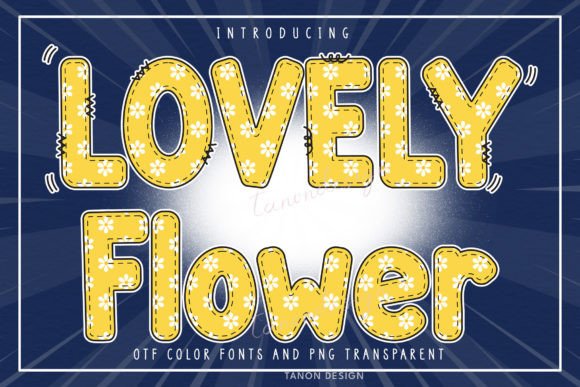
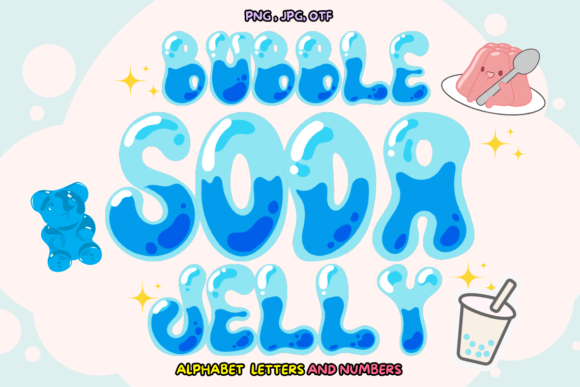
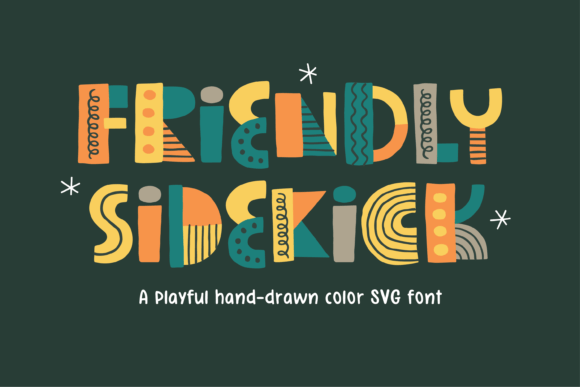
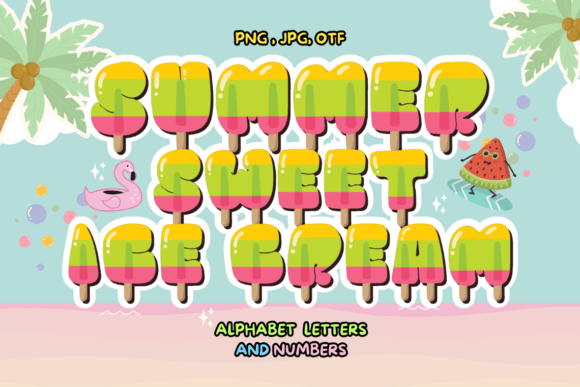
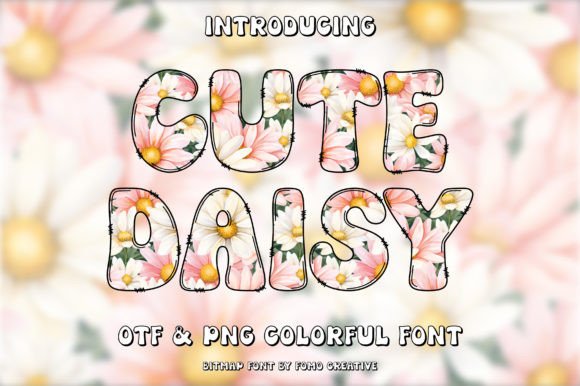
Cute Daisy belongs to the growing world of color fonts, which means each character carries its own built-in color, gradient, or decorative texture. Instead of relying on your design program to apply a single fill color, the font itself contains all the visual richness. For handmade sellers and printable creators, this is a huge time-saver. You can type a word and immediately see the finished effect—no layering multiple outlines, no masking, no extra steps in your cutting machine software. The font has a sweet, rounded letterform that feels approachable and friendly, with just enough detail to catch the eye. It is not overly ornate or fussy, which makes it versatile for many different craft projects. Whether your style leans toward modern farmhouse, whimsical boho, or soft vintage, Cute Daisy fits right in without overpowering your design.
Real Ways to Use Cute Daisy in Your Shop and Projects
After testing Cute Daisy on a variety of physical and digital products, I found it performs beautifully in several common crafting scenarios. Here are some of the best applications I discovered:
- Candle and soap labels – The built-in color effect makes small labels look like custom-printed artwork. Pair it with a simple white or kraft background for maximum impact.
- Greeting cards and invitations – Cute Daisy adds a handmade feel to birthday cards, thank-you notes, and baby shower invitations. It works especially well for the main greeting line.
- Sticker sheets – When used for a title or decorative phrase on a sticker sheet, the font stands out even among busy illustrations. It cuts nicely on adhesive vinyl if you keep the size reasonable.
- Printable wall art – A single word like “Dream” or “Grow” in Cute Daisy becomes the focal point of a minimalist print. The color font eliminates the need for additional graphic elements.
- Product tags and packaging – Small boutique tags gain a premium feel with Cute Daisy. The lettering reads clearly at tag sizes and adds a consistent brand voice across your packaging.
- Tote bags and apparel – For heat transfer vinyl projects, the font works well on cotton totes and t-shirts when the design is kept as a short phrase or single word.
- Seasonal and holiday crafts – The soft, cheerful mood of Cute Daisy is perfect for spring and summer designs, but it also works nicely for Easter, Mother’s Day, and wedding-related projects.
Across all these projects, I noticed that Cute Daisy performs best when used for short, prominent text. It loves being the hero of your design. A name, a short quote, a product title, or a single descriptive word—these are the sweet spots where the font truly shines.
Readability and Cutting Machine Tips
One of the first questions I had when testing Cute Daisy was whether it would hold up in small sizes and on cutting machines. Because it is a color font with layered details, readability depends on how you use it. I found that for vinyl cutting, keeping the font size above 1.5 inches tall produced clean weeding results. The rounded letter shapes are forgiving, but very small cuts (under half an inch) can lose some of the finer color details. For printed labels and cards, the font remains readable down to about 12 or 14 point sizes, though I prefer it at 18 point or larger for the best visual effect. If you are designing for Cricut or Silhouette, I recommend testing a single word first to see how the software handles the color font format. Most modern versions support color fonts directly, but older software may render them as standard outlines. Check your machine’s compatibility before starting a large production run.
Pairing Cute Daisy with Other Fonts for a Polished Look
While Cute Daisy can stand alone beautifully, pairing it with a clean secondary font creates a more polished brand identity. I tested several combinations and found a few that work especially well:
- With a simple sans serif – Use Cute Daisy for your product name or headline, and a clean sans serif like Montserrat or Lato for ingredients, details, or longer descriptions. This contrast makes the decorative font feel intentional rather than overwhelming.
- With a light script font – For invitation suites or wedding stationery, pairing Cute Daisy with an elegant script adds a layered, romantic feel. Just be sure the script does not compete for attention.
- With a classic serif – If your brand leans editorial or vintage, a slim serif for body text grounds the playfulness of Cute Daisy and gives the design a sophisticated edge.
When pairing, keep the color font as the accent piece. Let it do the heavy lifting for visual interest, while your secondary font provides readability and structure. This approach works beautifully on product packaging, shop banners, and even social media graphics where you want to establish a recognizable style.
Production Value and Brand Consistency
Using a color font like Cute Daisy can elevate the perceived quality of your products without increasing production costs. Because the color is built into the typeface, you do not need multi-step printing processes or special inks to achieve a premium look. For handmade sellers, this means your labels, tags, and cards can look like they were professionally designed and printed, even if you are working from a home studio. Consistency across your product line becomes easier when you settle on one or two brand fonts. Cute Daisy has a distinct personality—it is friendly, soft, and approachable—so if that matches your brand voice, using it across candles, stickers, cards, and packaging creates a cohesive experience for your customers. They will start to recognize your aesthetic even before they see your logo.
When Cute Daisy May Not Be the Best Choice
As much as I love this font, I also want to be honest about its limitations. Cute Daisy is not designed for long paragraphs or dense informational text. The decorative color effect that makes it so charming for headlines becomes distracting when used for ingredient lists, care instructions, or detailed product descriptions. For those elements, I recommend switching to a simple, neutral typeface. Similarly, if you are creating very small stickers or tiny product tags where the text needs to be legible at a glance, Cute Daisy may not be the best option. The font also requires your design software to support color fonts. Most modern programs like Canva, Adobe Illustrator, and Affinity Designer handle them well, but it is always wise to test before committing to a large project. Finally, if your brand voice is sleek, minimalist, or industrial, the sweet and playful nature of Cute Daisy might feel out of place. Reserve it for projects where warmth and charm are the goal.
Licensing and File Formats
Before using Cute Daisy in any commercial project—whether that is physical products, digital downloads, printables, or branding for clients—take a moment to review the font license. Commercial font licensing protects both you and the font creator, and understanding what is allowed is essential for running a legitimate business. Check whether the license covers unlimited physical products, digital templates, merchandise for resale, or web embedding. Also confirm which file formats are included. For most crafters, OTF and TTF formats are sufficient. If you plan to use the font on a website or in a digital storefront, look for webfont support as well. Knowing these details upfront saves time and prevents legal headaches down the road. Cute Daisy is a premium design asset, and treating it with the same care you would any other tool in your creative business is simply good practice.
For makers who love adding a handmade, colorful touch to their products without endless design tweaks, Cute Daisy delivers exactly what it promises. It makes your text feel like art, and it does so in a way that is practical for real production work. Whether you are labeling your latest candle batch, designing a printable wall art collection, or building a cohesive brand for your Etsy shop, this color font deserves a spot in your creative toolbox.